My Schedule
The My Schedule menu option will show your schedule.
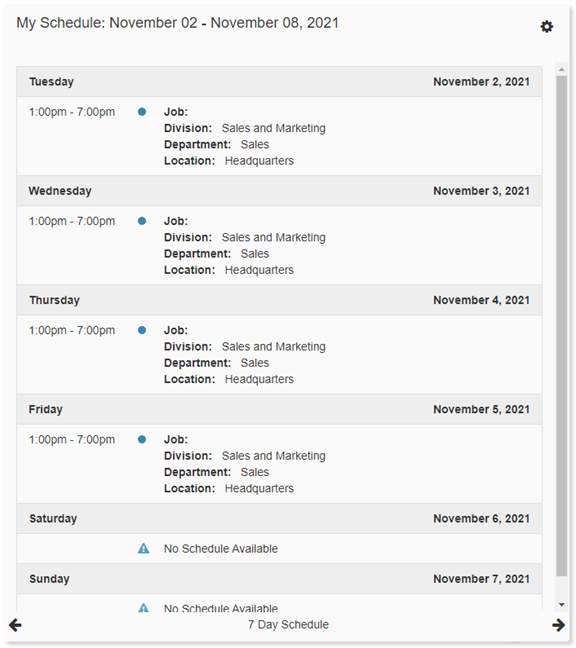
At a Glance
-
Day
Displays the day of the week the corresponding date falls on. -
Start Time
Displays the start time of the Shift for that day. -
End Time
Displays the end time of the Shift for that day. -
Shift
Will populate if an assigned Shift was used to create the Schedule. -
Job
This will show the Job assigned to the Shift. -
Organization Levels 1-5
You will see the active Organization Levels and what was assigned for that Shift. -
Notes
A freeform section that can be edited by the creator of your Schedule.
Navigating the Page
-
Navigation Arrows
Use the navigation arrows at the bottom of the page to navigate between 'Today's Schedule', the '7 Day Schedule', and the '14 Day Schedule'. -
Settings
 :
:
-
Default Schedule View
Choose which View defaults on the page. -
Default Today's Schedule Style
Choose between 'Agenda View' or 'List View'. -
Default 7 Day Schedule Style
Choose between 'Agenda View' or 'List View'. -
Default 14 Day Schedule Style
Choose between 'Agenda View' or 'List View'.